Google Review Cards That Actually Get Reviews (Handwritten + QR)
Simply Noted writes and mails real pen-and-ink cards for businesses. See handwritten notes for business →
Quick answer: Google review cards are small cards with a QR code or NFC chip that opens your Google review page. The ones that get used are the ones that feel like a thank-you rather than an ask, so a short handwritten note mailed after the job, with your review QR code on it, tends to beat a plastic card handed over at the counter. Ask every customer the same way, and never offer anything in return for a review.
We write and mail handwritten cards for businesses every day, and lately one question keeps coming up: "Can you put our Google review QR code on it?" Yes, we can. But the more useful conversation is about why so many review cards end up in a junk drawer, and what makes someone actually pull out their phone and leave a review.
Here's what we've learned from watching real estate agents, insurance offices, home service crews and shops use review cards. We'll cover the kinds of cards, how to get your review link and QR code from Google, the rules you have to follow, and how to send them without adding work for your team.
What Google review cards are (and why most get ignored)
Search for google review cards and most of what you'll find is a product: a plastic or metal card with your logo, a QR code and often an NFC chip. Tap it on a phone or scan the code and it opens your Google review form. They're handy at a front desk or a trade show booth.
The trouble is timing. You hand someone a review card while they're paying, putting a coat on or thinking about the next thing in their day. They're grateful in that moment, but they don't have time to write a review. The card goes in a pocket and that's the end of it.
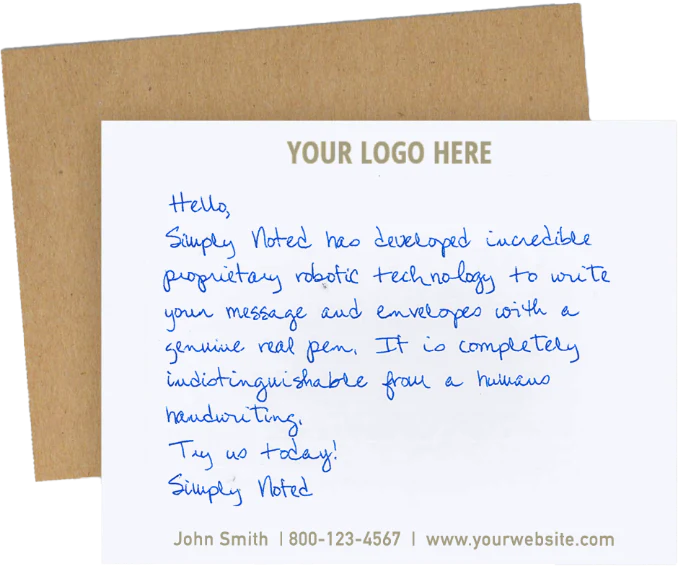
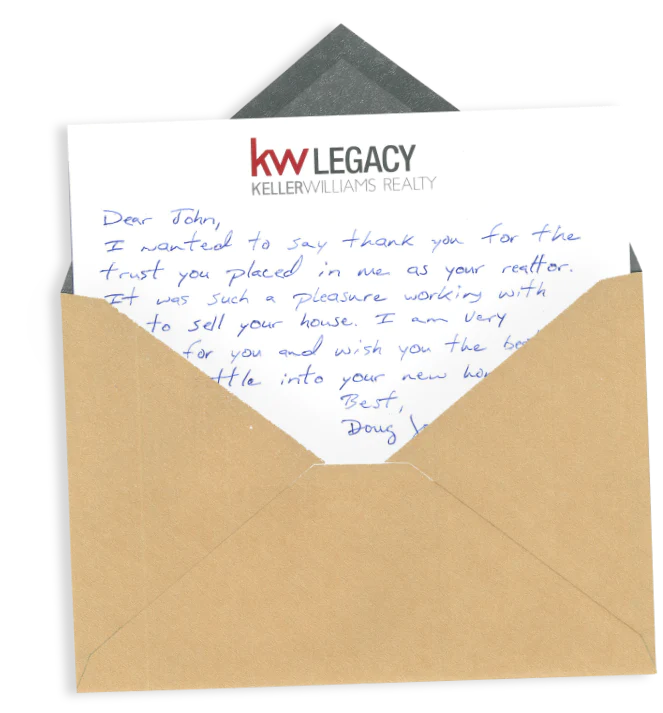
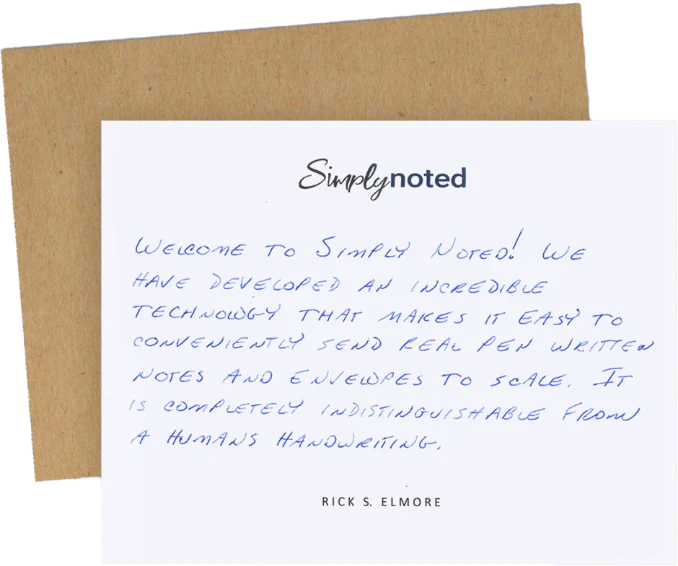
A review request works when it reaches the person at a quiet moment and reminds them how the experience felt. That's why we think the best review card isn't a tap card at all. It's a thank-you card that happens to carry your review link. If you want to see how that works with real pen and ink, our handwritten card service page shows the cards we send.
Tap cards, printed review cards and handwritten cards compared
Each kind of review card has its place. Here's how they stack up for the job of getting a review.
| Type | How it reaches the customer | Best for | Where it falls short |
| NFC or QR tap card | Handed over or shown at the counter | In-person businesses with a front desk or checkout | Asks at a busy moment; easy to forget |
| Printed google review business cards | Dropped in a bag or left after a visit | Cheap volume, events, leave-behinds | Looks like marketing, so it's often tossed |
| Handwritten thank-you card with QR code | Mailed in a hand-addressed envelope a few days later | Service businesses, agents, advisors, contractors, online shops | Costs more per piece; needs the customer's address |
The handwritten card shows up when the job is done and the customer is home. It's personal, it's in their own mailbox, and the QR code is right there when they're holding their phone. The site cites USPS research showing a 99% open rate for handwritten mail, which matters because a review request nobody opens can't get a review.
How to get your Google review link and QR code
You don't need a third-party generator to start. Google gives you the link and a QR code from your Business Profile. Per Google's help page, it works like this:
- Open your Business Profile on a computer. Google says the review QR code is only made in a desktop browser, not on a phone.
- Go to Read reviews, then Get more reviews.
- Copy the review link, or save the QR code image to your computer.
- Test it on your own phone before you print anything. It should open the review form for your business, not a search page.
Copy the link instead of typing it. And if you have more than one location, make a separate link for each one, so every review lands on the right listing.
The rules: what you can and can't do with review cards
This is the part people skip, and it's the part that can cost you reviews you already have. Google's policy on prohibited and restricted content says you can ask customers for reviews that reflect a genuine experience. It also says you can't:
- Offer anything in exchange for a review. That covers payment, discounts, free products or services, and prize draws.
- Ask only the customers you think are happy, or steer unhappy ones away. Google calls that selectively soliciting positive reviews.
- Discourage or block negative reviews.
So no "10% off your next visit for a 5-star review" on the card, and no "If you loved us, leave a review; if not, call me first." The safe and honest approach is simple: send the same card to every customer and ask for their honest thoughts. That's also what makes a handwritten review card easier to send. You're not choosing who gets one, so it can go out automatically after every job.
What to write on a review card
Keep it short and about them. One or two sentences of thanks, one specific detail, then a plain ask. For example:
- "Thanks for trusting us with the roof on Maple Street. If you have a minute, we'd love to hear how it went. Scan the code below to leave a quick review."
- "It was great helping you find the new place. An honest review helps other families find us. The code below takes you right there."
- "Thank you for your order. If you'd share what you thought, scan the code and leave a Google review."
Notice what's missing: no stars, no "5-star" request, no reward. The thank-you comes first and the ask comes second. We walk through the one line to write on every thank-you card in a short video, and the same idea applies here: name something real about their visit.
Sending review cards automatically
The reason most businesses stop asking for reviews isn't that it doesn't work. It's that someone has to remember to do it. That's where automation helps. A closed job in your CRM, a delivered order in Shopify, or a row in a spreadsheet can trigger the card on its own.
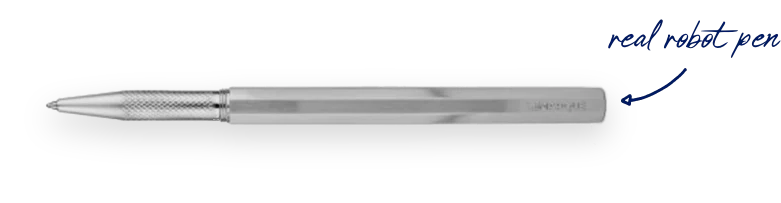
Here's how it works with us. Your customer list or trigger comes in from a CRM, our REST API, webhooks, Zapier, Shopify or a CSV upload. Our handwriting robots write each card with a real ballpoint pen, and a hand-addressed envelope with a real stamp goes in the mail. Writing and processing take 1 to 3 business days, then USPS First-Class delivery takes 3 to 5 business days. You can see every connection on our integrations page.
Every card can carry a trackable QR code, so you can point it at your Google review link and see when people scan it. We show that feature in a short video on trackable handwritten cards and QR codes. For online stores, a card after each first order is a natural fit, since the thank-you and the review ask come together.
What handwritten review cards cost
Handwritten note cards start at $0.99 per card plus postage on our Unlimited plan ($497 a month). Pay as you go starts at $2.80 a card for 100 cards and goes down to $0.90 at 50,000, before postage. Handwritten postcards start at $0.84 plus postage. There are no minimums and no contracts. The full breakdown is on our pricing page.
That's more than a printed card, so put handwritten review cards where a review matters most: after a closing, a finished install, a policy renewal or a first order. Keep the tap card at the front desk for walk-ins if you like. The two work fine together.
Watch: short videos from Simply Noted
We cover this subject in short videos too. These are the most relevant ones:
- 3 Simply Noted Features: Trackable Handwritten Cards, QR Codes and Capacity (YouTube; also on Instagram, LinkedIn, Facebook, X)
- The one line to write on every thank-you card (YouTube; also on Instagram, TikTok, LinkedIn, Facebook, X)
- Shopify Thank You Cards: Send One After Every First Order (YouTube; also on Instagram, LinkedIn, Facebook, X)
- Gift Basket or Handwritten Note: Which One Do Clients Actually Keep? (YouTube; also on Instagram, TikTok, LinkedIn, Facebook, X)
Frequently asked questions
How do I create a Google review card?
Get your review link and QR code from your Google Business Profile on a computer (Read reviews, then Get more reviews). Put the QR code on a card with a short thank-you and a plain request for an honest review. Test the code on your phone before you print or mail anything.
Where can I get Google review cards?
Plastic NFC and QR tap cards are sold by many online shops and print sellers, and any printer can put your QR code on paper cards. If you want a handwritten card mailed to each customer, a service like ours writes, stamps and mails it for you, with the QR code on the card.
Do Google review cards work?
They can, but it depends on timing and tone. A card that shows up when the customer has a quiet minute, and reads like a real thank-you, is more likely to get scanned than one handed over at checkout. Ask everyone the same way, because asking only happy customers breaks Google's rules.
Can I offer a discount or gift for a Google review?
No. Google's policy bans offering payment, discounts, free goods or services in exchange for a review. You can thank customers and ask for an honest review, but the ask can't come with a reward.
Is an NFC google review tap card better than a QR code?
NFC is quick when the customer is standing in front of you, since they just tap. A QR code works on paper and in the mail, so it's the better choice for a mailed review card. Many tap cards carry both.
Can I send review cards to every customer automatically?
Yes. You can trigger a card from your CRM, Shopify, Zapier, an API call or a CSV upload, so each customer gets one after the job without anyone remembering to send it. Sending to every customer is also the simplest way to stay inside Google's review rules. Our FAQ covers setup questions.
Next step: see a handwritten review card
If your review requests are getting ignored, try moving the ask out of the checkout line and into a thank-you card that arrives a few days later. Start with your best-fit moment, like a closed job or a first order, and send one to every customer from then on.
You can learn more on our handwritten card service page, or check plans on the pricing page. If you want to hold one first, go to simplynoted.com and request a free sample today. No credit card is needed.